Data Manipulation (DML) & Basic Queries
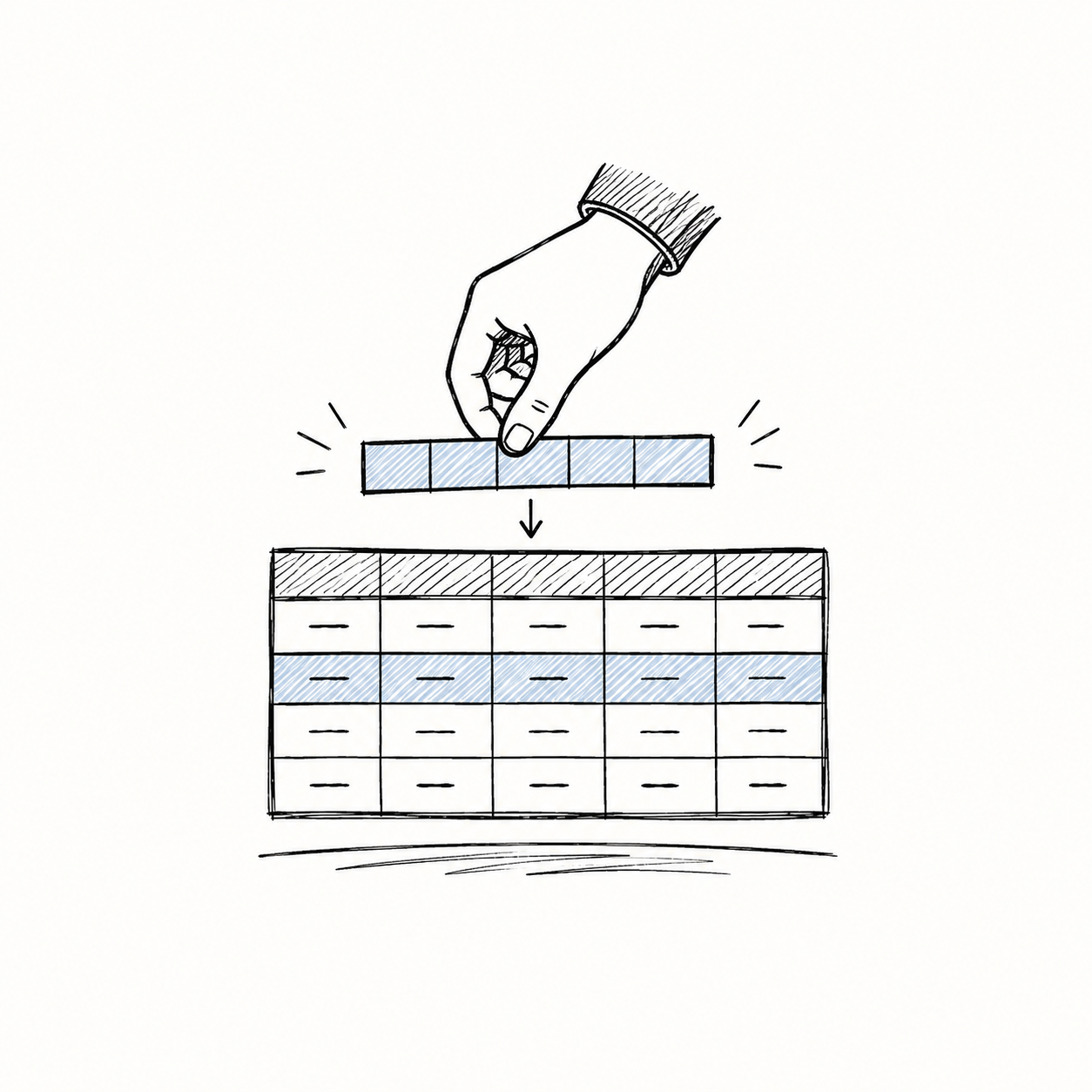
DML: Furnishing the House
In the previous section, DDL acted as our architect—building the empty structure of our student table. Now, it’s time for DML (Data Manipulation Language) to move the furniture in! DML handles all the inserting, modifying, and deleting of the actual data rows.
Let’s start with an empty table:
| roll_no | name | level | course | term | grade |
|---|---|---|---|---|---|
| (empty) |
1. INSERT: Adding New Records
A new student, Pravin, has just enrolled. We need to add him to our database.
Tip: You can write an
INSERTwithout listing the column names (e.g.,INSERT INTO student VALUES (...)), but specifying the columns as shown above is much safer! It prevents errors if someone later adds a new column to the table.
Inserting Multiple Rows at Once: You can also insert several students in a single command by separating the values with commas!
Our Table Now:
| roll_no | name | level | course | term | grade |
|---|---|---|---|---|---|
| 26f10 | Pravin | Degree | DBMS | 27t1 | S |
2. UPDATE: Modifying Existing Data
Oops! We made a mistake. Pravin actually got an ‘A’ grade, not an ‘S’. We don’t delete his record; we just UPDATE it.
[WARNING] Always, always use a
WHEREclause withUPDATE!
What happens if you forget the WHERE clause? If you simply ran UPDATE student SET grade = 'A';, it would ignore the individual student and change the grade of every single student in the entire database to an ‘A’!
| roll_no | name | grade |
|---|---|---|
| 26f10 | Pravin | A |
| 26f11 | Alice | A |
| 26f12 | Bob | A |
(Oops! Alice and Bob just got free ‘A’ grades because you forgot the WHERE clause!)
Our Table After Correct Update:
| roll_no | name | level | course | term | grade |
|---|---|---|---|---|---|
| 26f10 | Pravin | Degree | DBMS | 27t1 | A |
3. DELETE: Removing Records
Pravin has decided to transfer to another school. We need to remove his record completely.
(Just like UPDATE, forgetting the WHERE clause here would delete everyone!)
The Anatomy of a Query
Now that we have data, how do we ask the database questions? We write queries.
Think of a SQL query like giving instructions to an incredibly fast, but very literal librarian. The fundamental structure requires three clauses:
Here is the mental model of how the librarian thinks: 1. FROM: “Which section of the library (tables) should I go to?” 2. WHERE: “Which specific books (rows) should I pull off the shelf?” 3. SELECT: “Which chapters (columns) should I photocopy and give to you?”
The SELECT Clause in Detail
The SELECT clause dictates what the final output looks like.
*: “Give me everything.” (All columns)DISTINCT: “Remove any duplicate answers.”AS: “Rename this column in the output just to make it look nicer.”TOP <n>(orLIMIT): “Only show me the firstnresults.”
Example:
The ORDER BY Clause
By default, SQL returns rows in whatever internal order it feels like. If you want them sorted, you must explicitly use the ORDER BY clause at the very end of your query.
ASC: Ascending order (A-Z, 1-10). This is the default.DESC: Descending order (Z-A, 10-1).
Example:
The Danger of Cross Joins
What happens if you tell the librarian to get data from two places at once?
When you list multiple tables in the FROM clause without a WHERE condition, SQL performs a Cross Join (Cartesian Product). It pairs every row in the first table with every row in the second table.
Let’s visualize this: If you have 2 Instructors and 2 Courses:
Instructors Table:
| id | name |
|---|---|
| 1 | Alice |
| 2 | Bob |
Courses Table:
| c_id | title |
|---|---|
| 101 | Math |
| 102 | Science |
The Cross Join Result:
| id | name | c_id | title |
|---|---|---|---|
| 1 | Alice | 101 | Math |
| 1 | Alice | 102 | Science |
| 2 | Bob | 101 | Math |
| 2 | Bob | 102 | Science |
(2 instructors × 2 courses = 4 rows!)
Imagine if you had 1,000 instructors and 1,000 courses—you’d instantly generate 1 million rows! Most of these combinations are nonsense (Alice doesn’t teach every single course).
Fixing the Cross Join
To fix this, we use the WHERE clause to filter the massive Cross Join down to only the combinations that make sense (e.g., linking the instructor to the specific course they actually teach):
(Notice how we used AS i and AS c to give our tables nicknames? This makes our WHERE clause much easier to read!)